EmuNDS XL
App Information
Screenshots
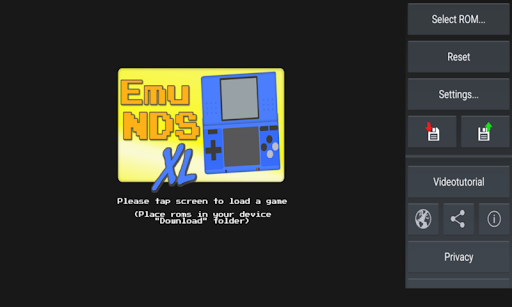
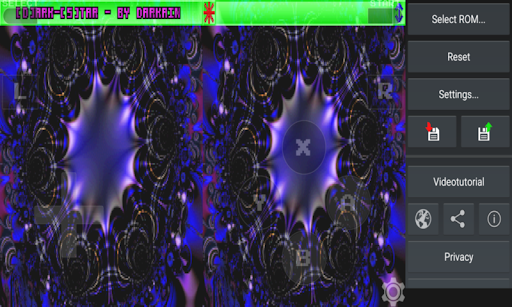
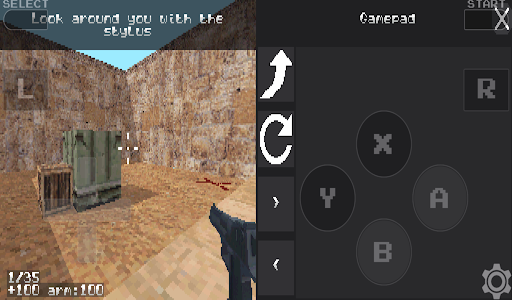
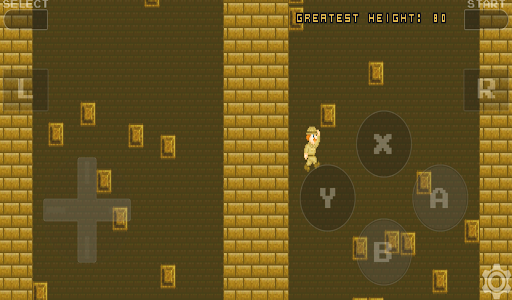
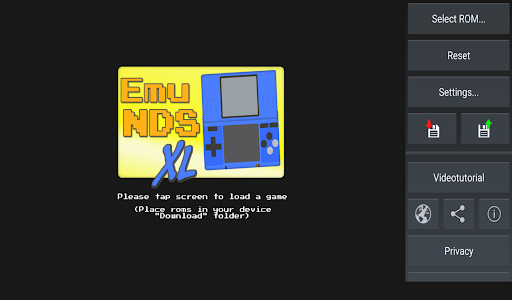
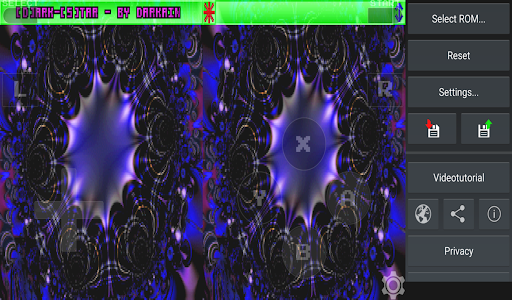
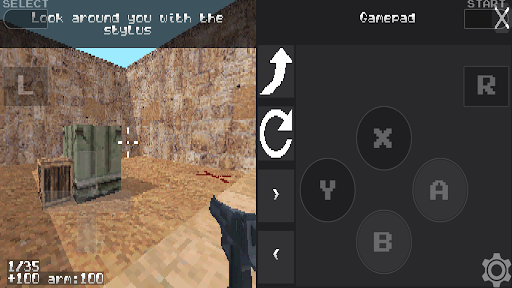
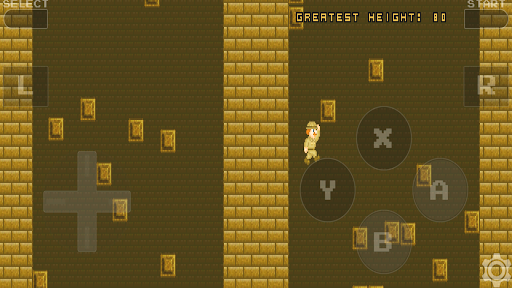
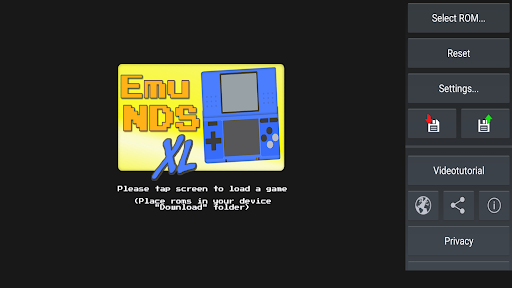

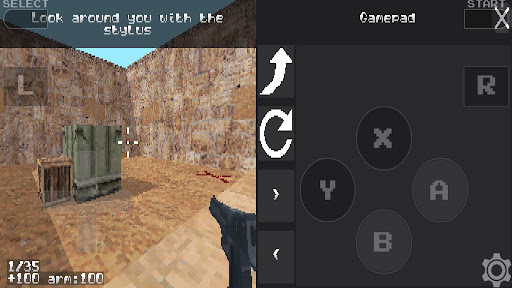
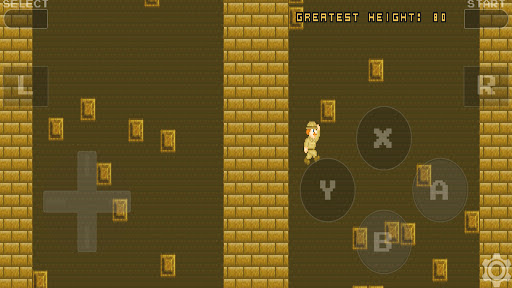
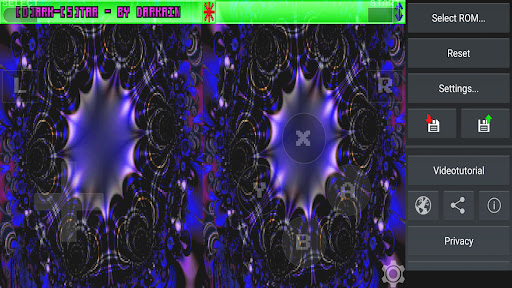
About This App
Do you want know how to play Nintendo DS Games on your Android Device for free? Then Download EmuNDS XL – a DeSmuME based Nintendo DS emulator app, that allows you to enjoy all popular NDS games with double screen support on your Android Phone and Tablet Device. No Computer / Root Required.
EmuNDS XL Emulator:
EmuNDS XL is a DeSmuME based Nintendo DS emulator app, that was created and developed by Pentawire developer team. This emulator brings wondrous gaming experiences directly to your Android device. The app emulates the famous portable double screen console NDS with high quality graphics, stereo sounds and peripherals to perfection. You can playing all your childhood favorite games like Pokemon, Mario Kart DS, Super Mario 64 DS and more popular titles within your regularly using Android device.
This NDS emulator is fullscreen, fast and very easy to use from beginning. The emulation speed is amazing on latest Android devices and it depends on your phone modal. Some games running slowly due to low firmware version or using old modal device but mostly games works perfectly with rich graphics experience.
EmuNDS XL Emulator Features
EmuNDS XL emulates Nintendo portable double screen console.
High quality graphics emulation with fullscreen support.
High quality sounds emulation with stereo features.
Easy to use ROMs find interface with deep scan.
Loads “.nds” and “.bin” files easily.
Also loads “.zip”, “.7z” and “.rar” archives files.
Supports hardware peripherals like gamepads and joysticks.
External game controllers support for better gaming.
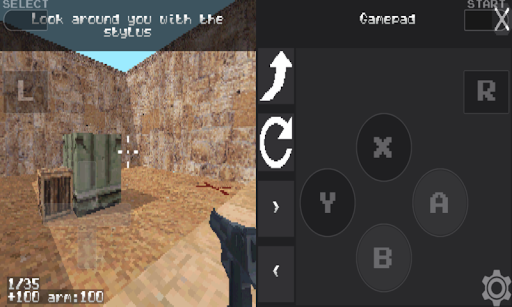
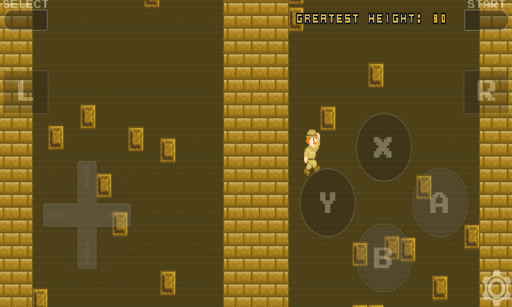
On screen controller and touchscreen emulation.
Save and Load game state support.
Added savegame manager for easy access.
Real time and accurate game controllers.
No Bug Fixes and Clean Interface.
Works with all Android versions.
Perform very fast on latest devices.
Download EmuNDS XL Nintendo DS Emulator APK for Android
EmuNDS XL a powerful Nintendo DS emulator app, that brings blasting experiences to your Android device. Compared to other DS Emulators like NDS4iOS, DraStic and melonDS, it has some unique features like savegame manager, multiple file format support and external controller support. This emulator offers tons of amazing features like Save state support, touchscreen emulation, high quality graphics and stereo sound.
Currently, This is available on Google Play store and you can directly download from official store. But in case if you facing any issues to download from play store, then we provided alternative download methods from trusted sources. EmuNDS is completely safe to use and doesn’t bring any malware or virus on your Android Device. Just place your ROMs in your device “Download” folder and start playing.
Install EmuNDS XL NDS Emulator on Android Phone
Step.1) At first, Open the Google Play Store on your Android Phone or Tablet Device.
Step.2) On the Next, Search for “EmuNDS XL” in the search bar and find the app.
Step.3) Now Tap on the Install button from app page and wait for download to complete.
Step.4) After the complete installation, Go back to your Android home screen and you will see the EmuNDS XL app icon there.
Step.5) Finally, Launch the DS emulator app from your device and start setting up for playing games.
How to Add NDS Game ROMs to EmuNDS XL Emulator
After you get installed EmuNDS XL emulator successfully on your Android device, now you need to add your favorite Nintendo DS game ROMs to emulator for playing games. You can download ROMs from trusted sources and add them into emulator through below simple steps.
Step.1) Launch the Safari browser or Chrome browser on your Android device and Navigate to trusted ROM download site.
Step.2) Search for your favorite Nintendo DS game like Pokemon Diamond, Mario Kart DS or any other game you want play.
Step.3) Download the game ROM file in “.nds” format or “.zip” format to your device “Download” folder.
Step.4) After the ROM file downloaded completely, Go back and open EmuNDS XL emulator app.
Step.5) The emulator automatically scans your “Download” folder and shows all available ROMs in the interface.
Step.6) Now Select your game from that list and Tap on it to start playing your favorite Nintendo DS games on Android for free.
Frequently Asked Questions
Q: Is EmuNDS XL free to download?
A: Yes, EmuNDS XL is completely free to download from Google Play Store and use on your Android device.
Q: Does EmuNDS XL require root access?
A: No, you don’t need root access or any special permissions to use NDS XL emulator on your device.
Q: Can I use external game controllers?
A: Yes, Emulator NDS XL supports hardware peripherals such as gamepads, joysticks and keyboards for better gaming experience.
Q: Which file formats does EmuNDS XL support?
A: It loads “.nds” and “.bin” files and also supports “.zip”, “.7z” and “.rar” archive files.
Q: Does EmuNDS XL come with game ROMs?
A: No, It doesn’t include any game ROMs in the application due to copyright terms and conditions.
Thank’s for visiting GBA Emulators iOS
EmuNDS XL APK Download
| Type | Size | Action |
|---|---|---|
| APK | 16.00MB | Download v2.1 |