M64Pro FZX Plus+ Emulator
App Information
Screenshots







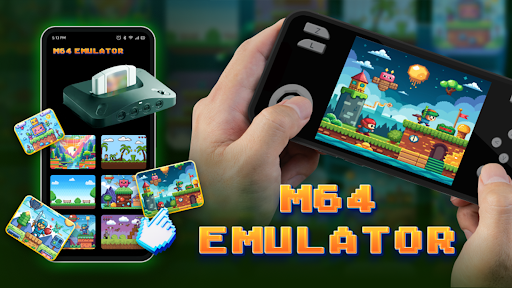

About This App
Are you looking to play your favorite classic Nintendo 64 games like Super Mario 64, Zelda Ocarina of Time, Pokemon Stadium and GoldenEye 007 on your Android Device? Then Download M64Pro FZX Plus+ Emulator – a Nintendo 64 game emulator for Android 14 / 13 / 12 / 11 / 10 / 9 on your Android Phone, Tablet and PC, No Root Required.
M64Pro FZX Plus+ Emulator
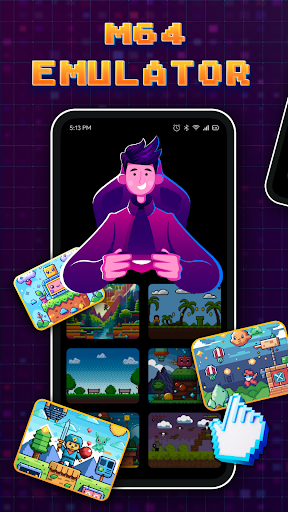
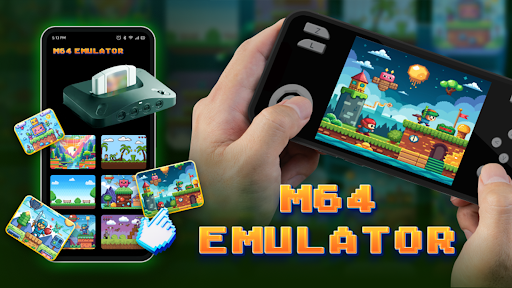
M64Pro FZX Plus+ Emulator is a advanced Nintendo 64 console emulator for Android users, that was created and developed by Universal Techlab Development team. This is the most powerful N64 emulator available for Android devices with wondrous features. The emulator supports almost all classic Nintendo 64 games with high-speed emulation and amazing graphics quality. M64Pro FZX Plus+ comes with all essential cores and plugins are already included, so you don’t need to download anything separately. This premium emulator lets you to play your childhood favorite games like Super Mario 64, Mario Kart 64, Legend of Zelda and more retro games directly on your Android phone. The Game emulation speed is very impressive on latest model devices, but if you are using from older phones the speed may become slow. After complete installation, you can enjoy blasting experiences of Nintendo 64 gaming within your regularly using Android device.
M64Pro FZX Plus+ Emulator Features:
M64Pro FZX Plus+ supports all Nintendo 64 games.
High-speed game emulation with stereo sound.
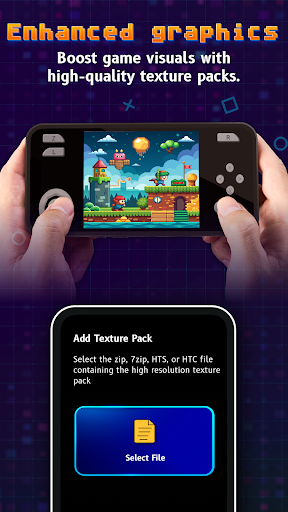
Rich graphics and smooth gameplay experience.
Save state support, so resume game anytime.
Load saved states within the app easily.
External game controller support included.
Customize controller buttons and layouts.
Cheat codes database support for enhancing gameplay.
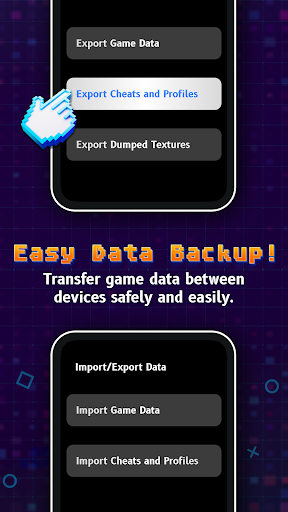
SD Card and Google Drive backup support.
Compatible with .zip and .n64 ROM file formats.
Supports multiple emulation profiles for game compatibility.
Clean interface and performs very fast.
Customizable themes and skins available.
No bug fixes and regular updates.
Vibration controller support.
Free to use, no hidden charges.
Install M64Pro FZX Plus+ Emulator on Android Phone, Tablet
Step.1) First of all, Open the Google Play Store on your Android Device and search for M64Pro FZX Plus+ Emulator or Tap on the Download Button above for direct installation.
Step.2) On the Next screen, Click on the Install button and wait for download to complete.
Step.3) After installation finished successfully, Go back to your Android home screen and you will see the emulator app icon there.
Step.4) Now Tap on the M64Pro FZX Plus+ icon to launch the emulator app on your Android device.
Step.5) When you first open the app, it will ask for storage permissions. Tap on Allow button to give necessary permissions for accessing your game ROM files.
Step.6) Finally, Add your Nintendo 64 game ROMs to the emulator and start playing your favorite childhood N64 games for free on your Android phone or tablet.
Fix Games Performance Issues on M64Pro FZX Plus+
If you facing any game performance issues or graphics glitches while playing games, then you can change the Emulation Profile settings from the emulator. Go to Settings and select different emulation profiles like Glide64-Accurate, GlideN64-Medium, or other available profiles. Different games works better with different profiles, so try changing profiles to fix compatibility issues and get smooth gameplay experience.
Frequently Asked Questions (FAQs)
Q: Is M64Pro FZX Plus+ Emulator safe to use?
A: Yes, M64Pro FZX Plus+ is completely safe emulator app to use on your Android device. It doesn’t contain any malware or viruses.
Q: Do I need Root access to install this emulator?
A: No, you don’t need root access. This emulator works on all non-rooted Android devices perfectly.
Q: Does the emulator come with games included?
A: No, the emulator app doesn’t include any games. You need to download N64 game ROM files separately and add them to the emulator.
Q: Which games are compatible with M64Pro FZX Plus+?
A: Almost all popular Nintendo 64 games are compatible including Super Mario 64, Zelda Ocarina of Time, Mario Kart 64, Pokemon Stadium, GoldenEye 007, Banjo Kazooie and many more classic titles.
Q: Can I use external game controllers?
A: Yes, M64Pro FZX Plus+ supports external Bluetooth game controllers, USB gamepads and other compatible controllers for better gaming experience.
Thank’s for visiting GBA Emulators iOS
M64Pro FZX Plus+ Emulator APK Download
| Type | Size | Action |
|---|---|---|
| APK | 14.7 MB | Download vv1.0.0 |