Nostalgia.GBC Pro (GBC Emulator)
App Information
Screenshots

About This App
Nostalgia.GBC Pro (GBC Emulator) – Do you remember the Game Boy Color games you used to play when you were a kid? If you want to play Game Boy Color games like Pokemon and Zelda on your Android phone you should try the Nostalgia.GBC pro Emulator. This is the thing you have been looking for to play Game Boy Color games again. The Nostalgia.GBC pro Emulator is great for playing Game Boy Color games, on your phone.
What is Nostalgia.GBC Pro Emulator
Nostalgia.GBC is a good Game Boy Color emulator for Android devices. It uses the gambatte emulation core. This app lets you play Game Boy and Game Boy Color games with good accuracy and the performance is very smooth.
Unlike the Nostalgia.GBA Lite Emulator, The pro version of Nostalgia.GBC does not have ads. You can use all the premium features for just $1.49. I think Nostalgia.GBC is very affordable, for everyone because of this price.
The emulator works with Game Boy games and Game Boy Color games. This means you can play a lot of games. You can find these games, on the internet or use your ROM files. Then you can play these Game Boy games and Game Boy Color games on your phone or your tablet.
Nostalgia.GBC Pro Emulator Features
- Modern, cool-looking & user friendly interface.
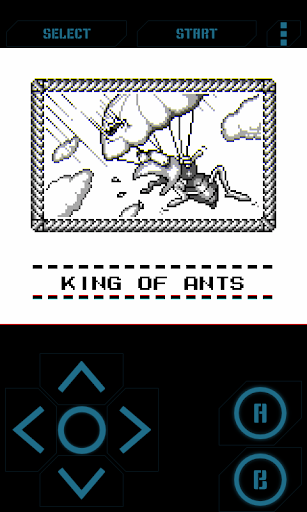
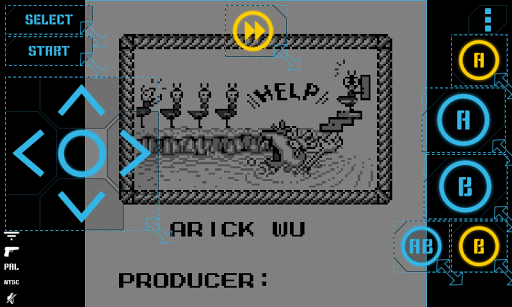
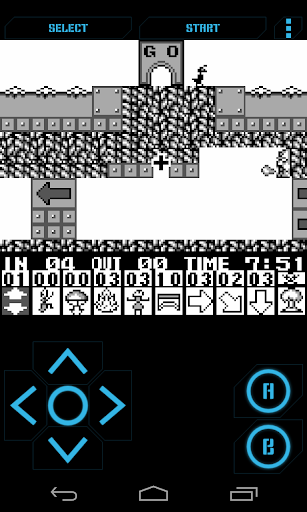
- Highly customizable virtual controller! You can adjust the size and position of each button to suit your needs.
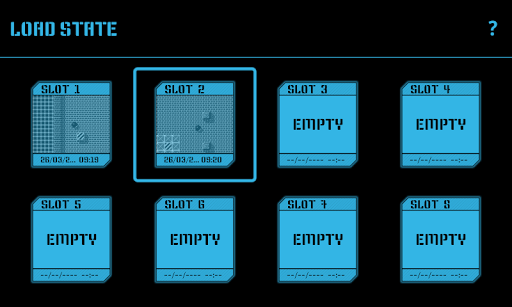
- Game progress saving and loading – 8 manual slots with screenshots & an autosave slot. Share save states among your devices via BT, mail, skype etc. directly from the app.
- Quick Save, Quick Load.
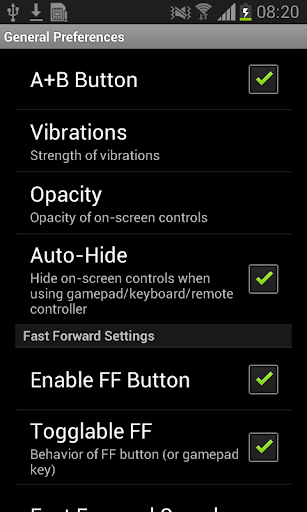
- Controls opacity settings.
- Rewinding! Got killed by a bad guy? Never mind! Just rewind the game a couple of seconds back and try again.
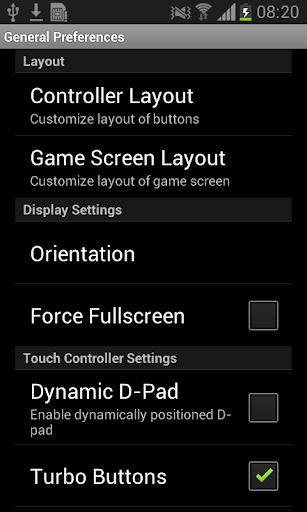
- Turbo buttons & A+B button.
- Hardware accelerated graphics utilizing OpenGL ES.
- Hardware keyboard support.
- Supports HID bluetooth gamepads MOGA, 8bitdo etc.
- Screenshots – easily capture an image of the game any time during gameplay.
- Use special cheat codes to make GBC games even more fun.
- GB, GBC and ZIP file support
Nostalgia.GBC Pro Paid Features
Customizable Virtual Controls
One of the things about Nostalgia.GBC pro is that you can change the size and position of each button to suit your needs. The virtual controller is really easy to customize. This means you can make the Nostalgia.GBC pro controller right for the way you like to play games.
Some people think the controls on Nostalgia.GBC pro are a little hard to use at first.. When you set up the Nostalgia.GBC pro controls correctly playing games, on Nostalgia.GBC pro becomes really easy and fun.
Rewinding Feature
So you got killed by a guy in the game. That is really frustrating. No problem though. You can just rewind the game a seconds back and try again. The rewind feature in the game is a cool thing because you do not lose progress when you make mistakes in the game. The game is, like having lives in any game you play which is really great.
Save States and Quick Save
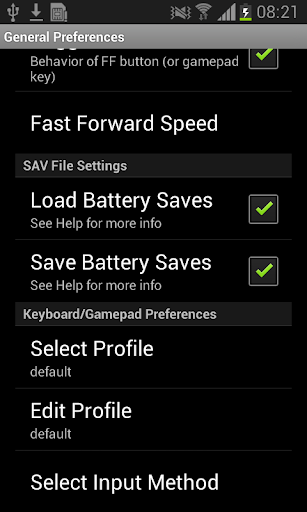
The emulator has 8 manual save slots where you can save your game. It even takes a screenshot of that moment. There is also an autosave slot. You can share your save states with your devices using Bluetooth or you can email them or send them through Skype right from the emulator. If you get the version of the emulator it has some extra features like Quick Save and Quick Load which make playing games faster. The Quick Save feature on the version of the emulator is really useful for saving your game quickly and the Quick Load feature on the pro version of the emulator is really useful, for loading your game quickly.
Turbo Buttons and Fast Forward
When you want to skip the parts or speed through the dialogues just use the turbo buttons and the fast forward feature. This makes playing the game and leveling up in Role Playing Games, like Pokemon much easier and faster. The turbo buttons and fast feature are really helpful when you are playing Pokemon and you want to get to the good parts.
Hardware Support and Performance
Nostalgia.GBC pro uses hardware to make the graphics look really good. It does this with something called OpenGL ES technology. This means that the games will run without any problems. You will not see the game stop and start again it will just keep going. The Nostalgia.GBC pro also works with game controllers that use Bluetooth. These controllers are made by companies, like MOGA and 8bitdo. If you have a keyboard that you can plug into your device the Nostalgia.GBC pro will work with that too.
The app works on phones, tablets and Chromebooks. You can take a picture of the screen at any time when you are playing a game to remember the parts of the game. The app lets you take screenshots whenever you want during gameplay to capture your moments when you are playing games, like the app.
Cheat Codes and ROM Support
So you want to make games more fun. Nostalgia.GBC is a way to do that. It lets you use cheat codes for your games. With these cheat codes you can get things, like lives. You can also get items that are hard to find.. Sometimes you can even unlock secret features in the game. This is really cool because the cheats that are available will depend on the game you are playing with Nostalgia.GBC.
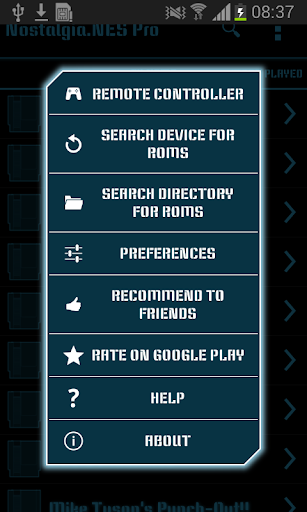
The Nostalgia.GBC emulator works with Game Boy and Game Boy Color files and with ZIP files. You can put your Game Boy ROM files on your SD card and the Nostalgia.GBC will find them for you. The Nostalgia.GBC does not need a lot of setup, to work.
Pro Version vs Lite Version
The lite version of the game is free. You will see ads. Some things like saving your place in the game and going back to a point only work when you are connected to the internet.
Nostalgia.GBC Pro (GBC Emulator) APK Download
| Type | Size | Action |
|---|---|---|
| APK | 3.30 MB | Download v2.5.6 |