One Emulator for Game Consoles
App Information
Screenshots
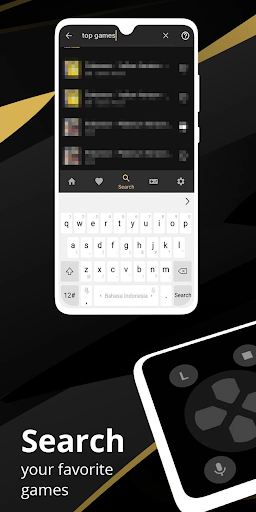
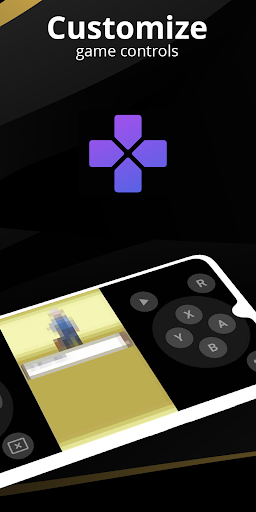

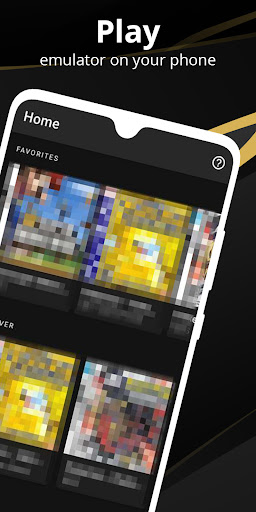
About This App
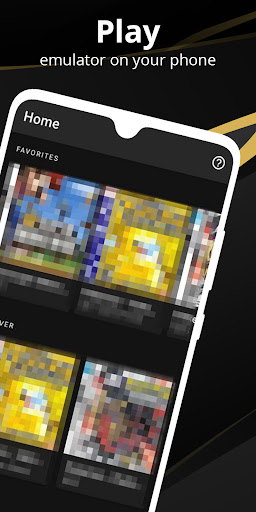
One Emulator for Game Consoles is a premium all-in-one game emulator app that was created and developed by Browser by Fulldive Co. This multi-console emulator supports tons of popular Nintendo console systems within single app. That means you don’t need to download separate emulator for each console. The app emulates NES, SNES, Game Boy, Game Boy Color, Game Boy Advance and more consoles with high-speed emulation and rich graphics.

This versatile emulator app works on wide range of devices including Android phones, tablets and even TVs. It brings wondrous retro gaming experience to your modern device. And the best part is, One Emulator is completely free and open-source app without any ads. So you can enjoying your childhood games without any interruptions.
One Emulator App Features
Multi-console emulator supports NES, SNES, GB, GBC, GBA systems.
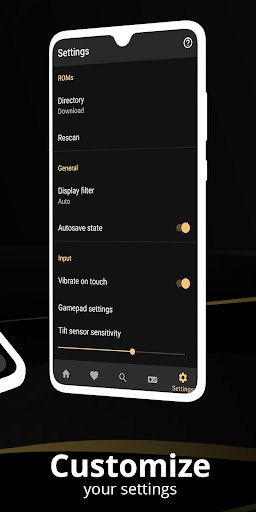
Automatically save and restore game states.
Quick save and load with multiple slots.
Fastest emulation speed that saves your battery life.
Very high game compatibility runs nearly all games.
Link cable emulation for multiplayer gaming.
Support Bluetooth and Wi-Fi multiplayer on same or different devices.
Gyroscope, tilt, solar sensor and rumble emulation support.
High-level BIOS emulation, No BIOS file needed.
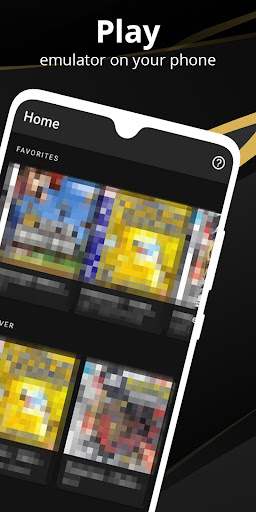
Built-in ROM scanner for organizing game collection.
Support for IPS/UPS zipped ROM patching.
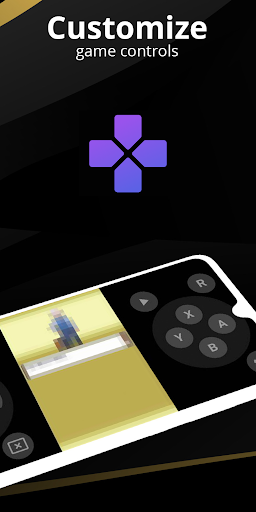
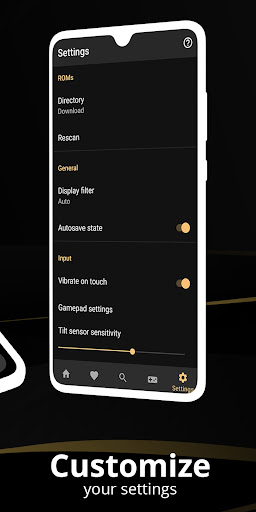
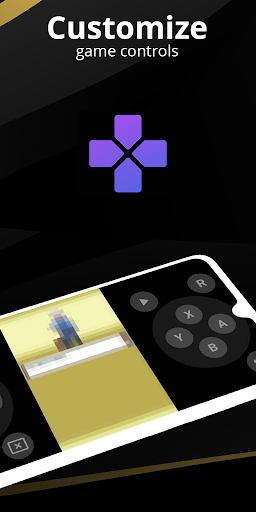
Customizable touch controls with size and position adjustment.
OpenGL rendering for smooth graphics.
Cool video filters like LCD and CRT display simulation.
Fast-forward and slow motion speed controls.
External controller support for better gaming experience.
Cloud save sync across multiple devices.
Local multiplayer with multiple gamepads connected.
Powerful screen layout editor.
Create game shortcuts on home screen.
Clean and user-friendly interface.
Works on Android 6.0 and higher versions.
Regular updates with bug fixes.
Download One Emulator for Game Consoles APK on Android
One Emulator for Game Consoles a free multi-console emulator that brings blasting gaming experiences on your Android device. Compared to RetroArch, Delta Emulator and other standalone emulators, this all-in-one emulator app offers limitless joy with simple interface. You can play Super Mario, Pokemon games, Legend of Zelda and more classic games within single app.
Currently, this emulator available on Google Play Store and also from trusted third-party sources like Uptodown and Aptoide. In this guide we provided working download links from official sources. One Emulator is completely safe to use and doesn’t bring any malware or virus on your device.
Install One Emulator App on Android Phone & Tablet – Google Play Store
Step.1) First of all, Tap on the One Emulator Download button or One Emulator App icon above to get the emulator directly on your Android device.
Step.2) On the Next screen, Click on “Install” button from Google Play Store page.
Step.3) Now wait for few seconds while the app downloads and installs automatically on your device.
Step.4) After successful installation, Go back to your home screen and you will see One Emulator icon there.
Step.5) Finally, Launch the multi-console emulator app and start adding your favorite game ROMs to play classic Nintendo games on Android device for free.
Supported Game Consoles
One Emulator for Game Consoles supports multiple Nintendo console systems that includes:
Nintendo Entertainment System (NES).
Super Nintendo Entertainment System (SNES).
Game Boy (GB).
Game Boy Color (GBC).
Game Boy Advance (GBA).
These five popular console systems covers thousands of classic games. You can play Pokemon series, Super Mario games, Legend of Zelda, Mega Man, Sonic games and many more retro titles on single emulator app.
Frequently Asked Questions
Q: Is One Emulator for Game Consoles free to use?
Yes, One Emulator is completely free and open-source app. There are no hidden charges or ads.
Q: Do I need BIOS files to run games?
No, One Emulator uses high-level BIOS emulation. You don’t need to download any BIOS files.
Q: Can I play multiplayer games?
Yes, the emulator supports link cable emulation through Bluetooth, Wi-Fi or local multiplayer with multiple controllers.
Q: Will it drain my battery fast?
No, One Emulator optimized for fast emulation that actually helps save battery life compared to other emulators.
Q: Can I use external controllers?
Yes, One Emulator supports external game controllers for better gaming experience. You can connect controllers through Bluetooth or USB.
Thank’s for visiting GBA Emulators iOS
One Emulator for Game Consoles APK Download
| Type | Size | Action |
|---|---|---|
| APK | 17MB | Download v1.8.4 |